Custom apparel for teams, schools & businesses
Make your teamlook like a team.
Custom apparel, printed and embroidered in Maryland. Easy ordering from first idea to final delivery.
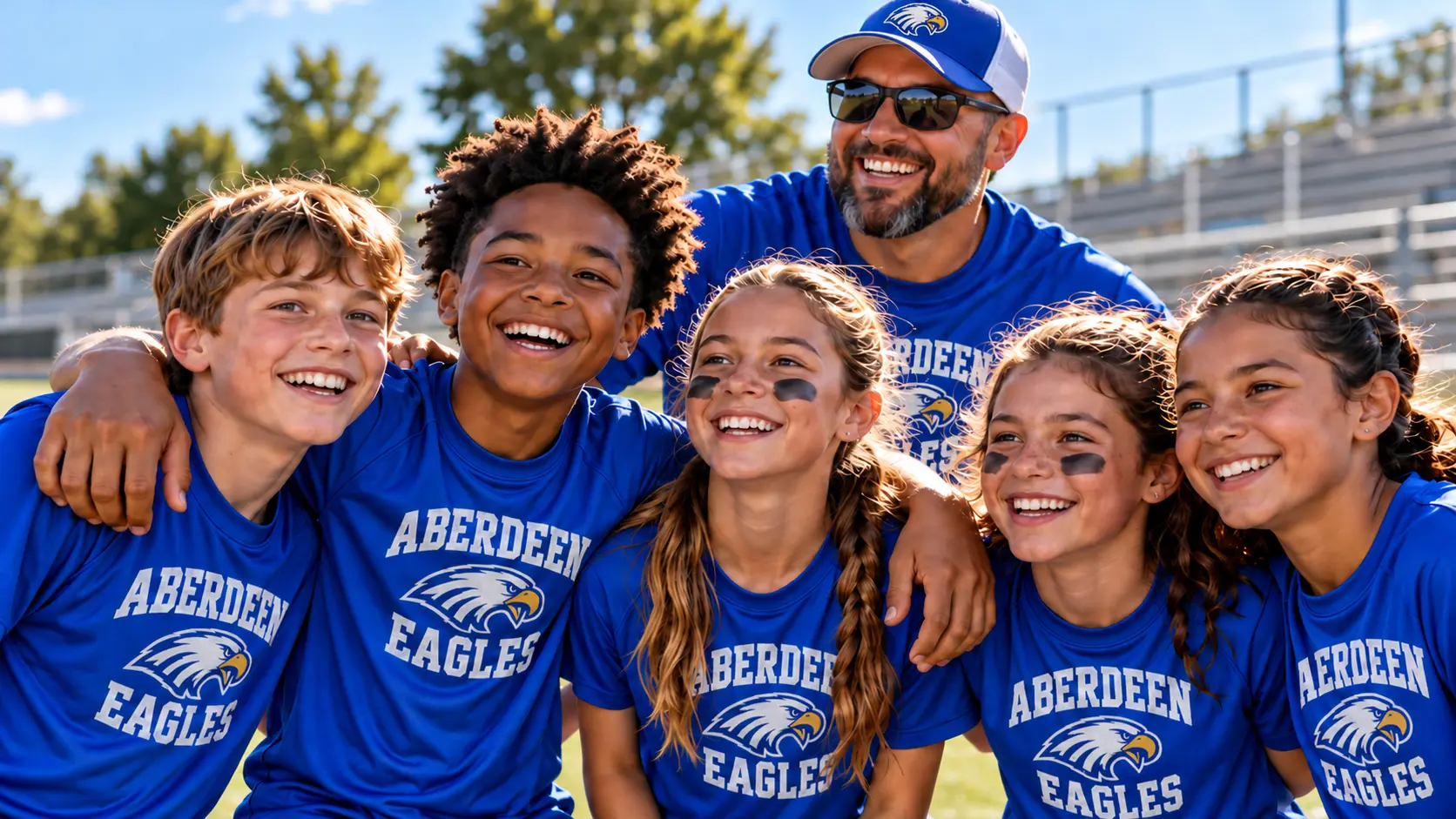

 Made to wear. Made to last.
Order in 5 easy steps
From your idea to your finished apparel.
- 1Choose apparelTees, polos, hoodies, hats and more.
- 2Pick colors & sizesA wide range for your group.
- 3Add your designUpload a logo or work with our team.
- 4Review your quoteClear pricing, fast turnaround.
- 5We make itPrinted or embroidered right here in Maryland.
For schools, clubs & teams
Need a spiritwear store for your group?
We set up custom online stores with your gear, so your community can order anytime.
Step 1
Choose your apparel
Choose products from the Velocity catalog or tell us what customer-supplied garments you will bring.
Velocity catalog
Guide Me to My Perfect Shirts
Answer a few questions to narrow down the apparel choices.
Search the apparel catalog
Shop by Brand
Step 2
Choose your decoration method
After choosing apparel colors, sizes, and quantities, proceed to the Quote Cart to choose the correct method, locations, ink colors, or stitch density for each item. These cards explain the choices; they are not separate catalog links.
Step 3
Upload artwork, review your quote, and choose delivery
Your Quote Cart combines quantities, shows preliminary pricing, requests artwork, and lets you choose pickup or shipping so any delivery cost can be included in the quote.
Step 4
Velocity reviews and sends your proof
We confirm inventory, decoration suitability, and final pricing before sending a mockup for your approval.
Step 5
Approve and pay
After you approve the proof and final price, pay securely. Velocity will coordinate the pickup or shipping option selected with your quote request.